
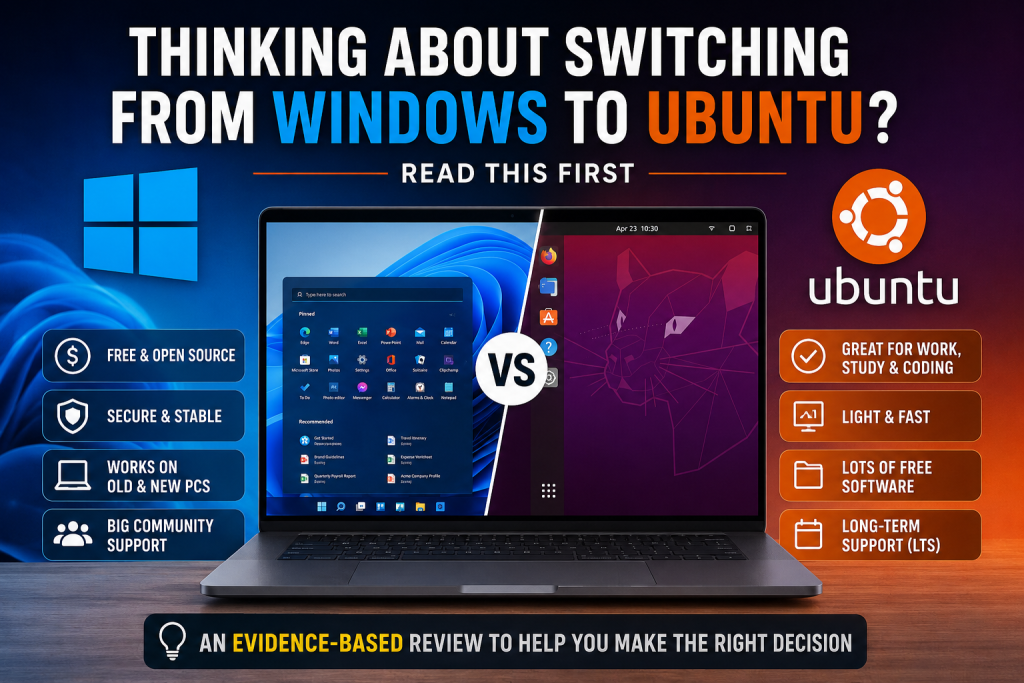
Windows is still the most widely used desktop operating system. But not everyone wants to pay for a Windows license, upgrade hardware for newer versions, or use features they may never need.
If you mostly use your computer for office work, studying, web browsing, online meetings, or programming, one question makes sense:
Can you replace Windows with a free operating system and still get your daily work done?
After reviewing Canonical’s official documentation, Ubuntu’s release model, and independent feedback from Tom’s Hardware, my conclusion is simple:
Yes. For many people who want to move from Windows to Linux, Ubuntu is one of the most balanced choices available today.
Ubuntu is not the most feature-rich Linux distribution. It is not the lightest either. Its strength is balance: long-term support, ease of use, strong community support, broad hardware compatibility, and a relatively smooth learning curve for new users.
Should You Switch to Ubuntu?
Download Free nowUbuntu is worth considering if you:
- ✅ Want a free and legal operating system.
- ✅ Mainly use your computer for office work, studying, or programming.
- ✅ Use web browsers, Zoom, Google Workspace, or Microsoft Office Online.
- ✅ Want to extend the life of an older laptop.
You may want to stay with Windows if you:
- ❌ Depend on Microsoft Office desktop with complex VBA macros.
- ❌ Use AutoCAD or other Windows-only professional software.
- ❌ Regularly play games that are not compatible with Linux or require anti-cheat systems that do not support it.
If you are in the first group, Ubuntu is worth trying. If you are in the second group, Windows will likely save you time and avoid compatibility problems.
Can Ubuntu Really Replace Windows?
Yes, but it depends on how you use your computer.
For most everyday tasks, Ubuntu works well. These include:
- Web browsing
- Writing documents
- Studying
- Online meetings
- Programming
- Watching videos and general entertainment
For office work, you can use LibreOffice, Microsoft Office Online, or Google Workspace to open and edit Word, Excel, and PowerPoint files. Chrome, Firefox, Zoom, Slack, Spotify, and Visual Studio Code are also available on Linux, so most users will not need to change their daily workflow too much.
However, Ubuntu is not the right answer for every situation. If your company relies on complex Excel templates, VBA macros, or Windows-only software, you should test compatibility before switching.
Here is a quick overview:
| Task | Ubuntu |
|---|---|
| Web browsing | ✅ |
| Basic Word and Excel work | ✅ |
| Google Workspace | ✅ |
| Online meetings with Zoom or Teams | ✅ |
| Programming | ✅ |
| Photoshop | ⚠️ Alternatives exist, but they are not fully equivalent |
| AutoCAD | ❌ |
| Excel files with complex VBA macros | ❌ |
| Unsupported AAA games or anti-cheat titles | ❌ |
Bottom line: If your work is mostly in the top half of the table, Ubuntu can replace Windows for you. If you depend on the bottom half, Windows is still the safer choice.
Why Do So Many People Choose Ubuntu?
💡 Interested in open-source projects beyond Ubuntu? If you enjoy exploring innovative open-source technologies, you might also like our review of OpenClaw — an AI project that’s attracting attention for its unique approach to autonomous agents and open development.
👉 Read next: OpenClaw: What Is It and Why Is This “Lobster-Raising AI” Catching the Tech World’s Attention?“
Ubuntu is not popular because it has the most experimental features. It is popular because Canonical has built it around stability, usability, and long-term support.
1. Ubuntu Prioritizes Stability
According to Canonical, Ubuntu follows a predictable release cycle. A new version is released every six months, while every two years Canonical publishes a Long Term Support (LTS) release.
Each Ubuntu LTS release receives five years of standard security maintenance. Canonical also states that around 95% of Ubuntu installations are LTS releases, which suggests that most users prefer stability over constantly chasing the newest features.
For businesses or organizations that need longer support, Canonical offers Ubuntu Pro. This paid subscription can extend security coverage for Ubuntu LTS releases up to 12 years, with optional professional support.
If you want an operating system that can stay stable for years, this is one of Ubuntu’s biggest strengths.
2. Real-World Experience Supports This
Official documentation is useful, but independent experience matters too.
In a Tom’s Hardware article titled “I’ve been using Linux for a quarter of a century, so why do I keep coming back to Ubuntu?”, Les Pounder wrote that he had used many Linux distributions over 25 years, including Fedora, Arch, Debian, Linux Mint, and openSUSE.
Yet he still keeps returning to Ubuntu for one simple reason:
“Ubuntu just works.”
That sentence captures Ubuntu’s appeal. It is not designed only for people who enjoy tweaking every part of their system. It is designed to help users install the operating system, get started, and do real work with as little friction as possible.
3. Ubuntu Is Not Just for Personal Computers
Some people still think Ubuntu is only for Linux hobbyists. That is no longer accurate.
Canonical provides optimized Ubuntu images for Amazon Web Services (AWS) and Google Cloud, while also offering Ubuntu Desktop, Ubuntu Server, and Ubuntu on Windows Subsystem for Linux (WSL).
According to Canonical, Ubuntu is used by everyone from individual developers to large enterprises, including organizations in highly regulated sectors such as finance, healthcare, and government.
This does not mean Ubuntu is the best choice for every company. But it does show that Ubuntu has grown far beyond being a hobbyist Linux distribution.
Can Your Computer Run Ubuntu?
In most cases, yes.
If your computer can run Windows 10 or Windows 11, there is a good chance it can also run Ubuntu. Ubuntu supports desktops, laptops, mini PCs, servers, virtual machines, Raspberry Pi, and several hardware architectures.
Ubuntu can also be useful for older computers. If Windows feels slower after every update, lighter Ubuntu flavors such as Lubuntu or Xubuntu may help extend the life of your device without buying new hardware.
Switching to Ubuntu does not necessarily mean buying a new computer.
Which Ubuntu Version Should You Choose?
Ubuntu is not just one desktop.
In addition to the standard Ubuntu Desktop, Canonical recognizes several official Ubuntu Flavors developed by the community. Each one targets a different type of user while still using the Ubuntu package archive and update system.
You do not need to understand all of them. Start with your use case:
| If you… | Choose |
|---|---|
| Are new to Linux | Ubuntu Desktop |
| Want a Windows-like interface | Kubuntu |
| Have a low-spec computer | Lubuntu |
| Use an older laptop | Xubuntu |
| Create graphics, audio, or video content | Ubuntu Studio |
If you are unsure, start with Ubuntu Desktop. It is the main version developed by Canonical and the safest choice for most beginners.
What You Should Know Before Switching
Every operating system switch has a cost. The key is to understand that cost before you move.
What You Probably Do Not Need to Worry About
- ✅ Web browsing with Chrome or Firefox.
- ✅ Online meetings with Zoom or Microsoft Teams.
- ✅ Using VS Code, Slack, Spotify, and many other popular apps.
- ✅ Opening and editing Word, Excel, and PowerPoint files with LibreOffice or Microsoft Office Online.
- ✅ Installing Ubuntu alongside Windows before switching completely.
What You Should Check First
- ⚠️ Excel files with VBA macros or complex formatting may not behave exactly like they do in Microsoft Office desktop.
- ⚠️ Some professional tools, such as AutoCAD or specialized accounting software, may only support Windows.
- ⚠️ Some games with anti-cheat systems may not fully support Linux.
- ⚠️ Older printers, scanners, or other peripherals may require driver checks.
If your work depends on any of these, test Ubuntu in a virtual machine or install it alongside Windows before fully switching.
Common Misunderstandings About Ubuntu
Many people avoid Ubuntu not because it is difficult, but because of outdated assumptions about Linux.
“Ubuntu Is Only for IT People”
That may have been true years ago, but it is much less true today.
Canonical has simplified Ubuntu’s installation process and improved the desktop experience. Most daily tasks — installing software, connecting to Wi-Fi, updating the system, and using a browser — can be done through the graphical interface without opening the Terminal.
“Linux Has No Software”
This is also outdated.
Many popular apps now have Linux versions, and many modern tools run directly in the browser. If your work is based on email, web apps, online meetings, programming, or standard office documents, the gap between Windows and Ubuntu is smaller than many people expect.
“Free Means Less Reliable”
Free does not mean low quality.
Ubuntu has a predictable release cycle, long-term support releases, security updates, and broad usage across personal computers, servers, and cloud platforms. It is not only a way to avoid paying for a Windows license. It is also a mature operating system with a long-term development model.
Conclusion: Should You Switch to Ubuntu?
After reviewing Canonical’s documentation, Ubuntu’s LTS support model, cloud usage, and independent feedback from Tom’s Hardware, I think Ubuntu is the best starting point for most people who want to try Linux.
Not because it is more powerful than Windows.
Not because it has more features than every other Linux distribution.
But because it offers the best balance of what most new users actually need:
- It is free and legal.
- It is stable.
- It has long-term support.
- It is beginner-friendly.
- It has a large community and software ecosystem.
That said, Ubuntu is not for everyone. If your work depends on Microsoft Office desktop with VBA macros, AutoCAD, Windows-only software, or unsupported games, staying with Windows is the more practical choice.
My Recommendation
If you are still unsure, do not remove Windows immediately.
Install Ubuntu alongside Windows and use it for one or two weeks.
During that time, test the work you actually do every day:
- Open your Word and Excel files.
- Join an online meeting.
- Browse the web.
- Install your usual apps.
- Connect your printer or other devices.
If everything works well, you can switch with confidence. If not, you can keep using Windows without losing your data or rebuilding your computer.
In the end, the real question is not whether Ubuntu is better than Windows.
The real question is:
Does Ubuntu fit the way you use your computer?
If the answer is yes, Ubuntu may be one of the best free operating systems you can try today.
